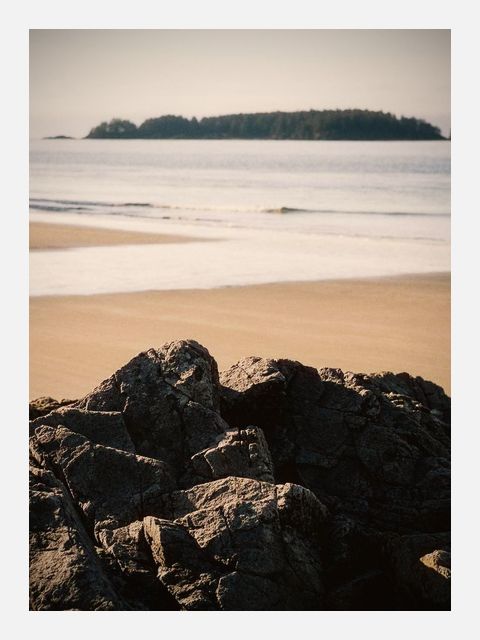
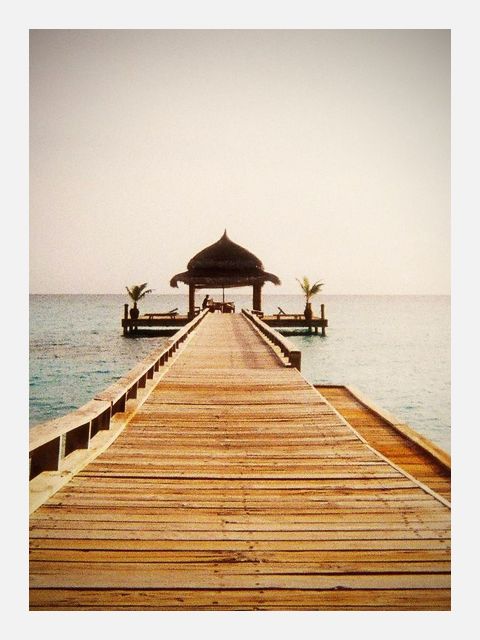
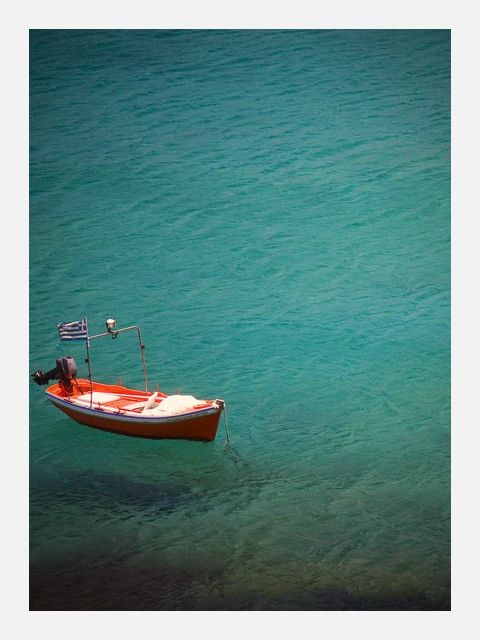
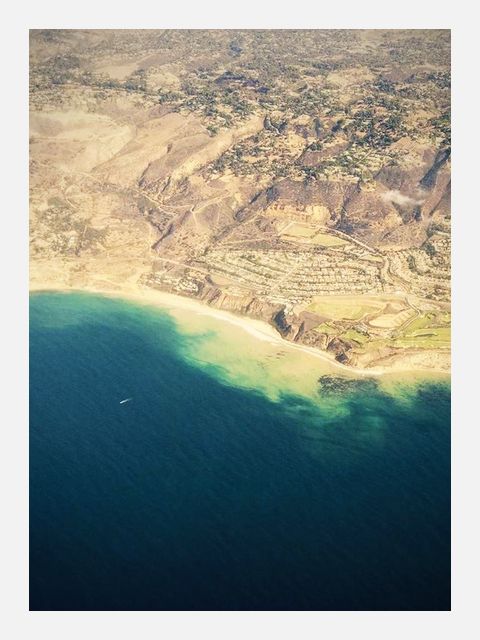
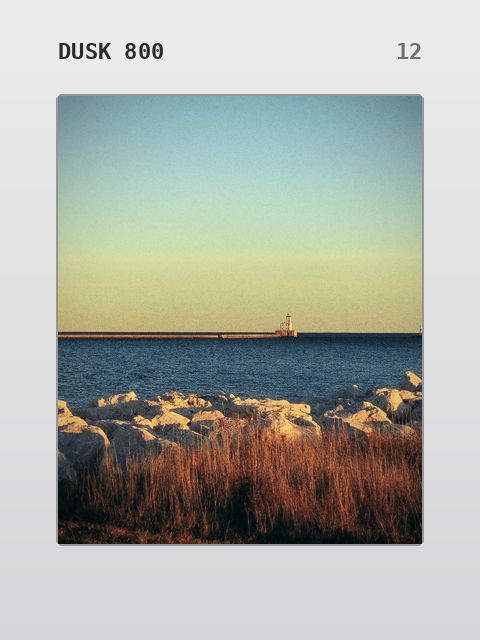
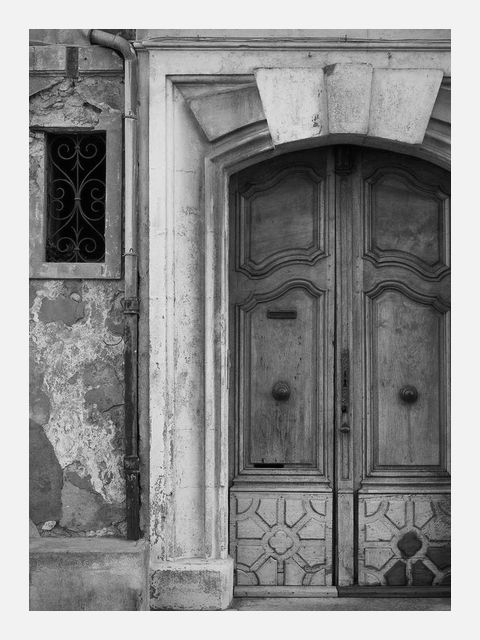
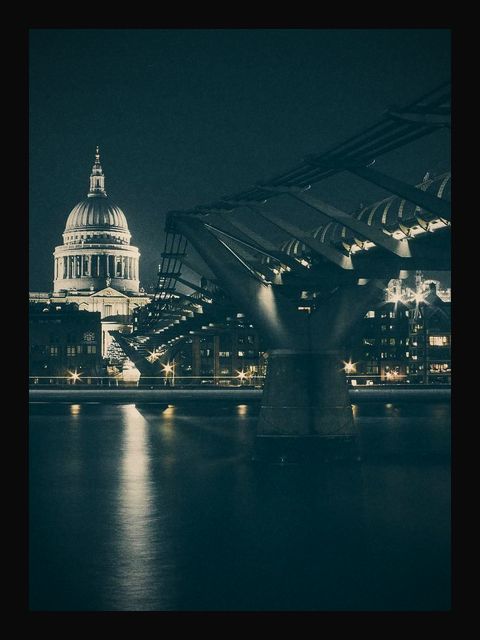
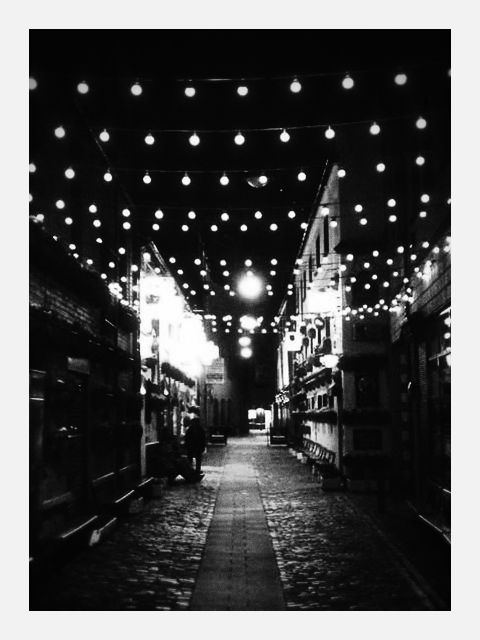
A film camera for your iPhone. Load a roll of 36 on a film you choose, shoot it, and share the whole roll with a few friends, your followers or everyone.
Coming soon
ROLL 0312/36
GOLDEN 100100
GOLDENEDIT35±020%3:2OFFOFFOFF
How it works
Load. Shoot. Develop. Share.
Film Exposures works like the camera you'd load with film, with your iPhone's lenses behind it.
01
Load a roll
Pick a film and how the roll develops. A roll is 36 frames. Keep several going, a food roll and a holiday roll, and switch between them.
02
Shoot
Choose a format, a lens and a border, then press the shutter. The counter climbs toward 36, and every press uses a frame.
03
Develop
Instantly, when the roll is done, or the next morning at 9. Can't wait? Tap one frame to develop it early, and hide it again if you'd rather be surprised.
04
Keep or share
Developed frames go into the roll's own album in Photos. Keep the roll to yourself, or share it with a few people, your followers or everyone.
The films
Seven black & white, seven color.
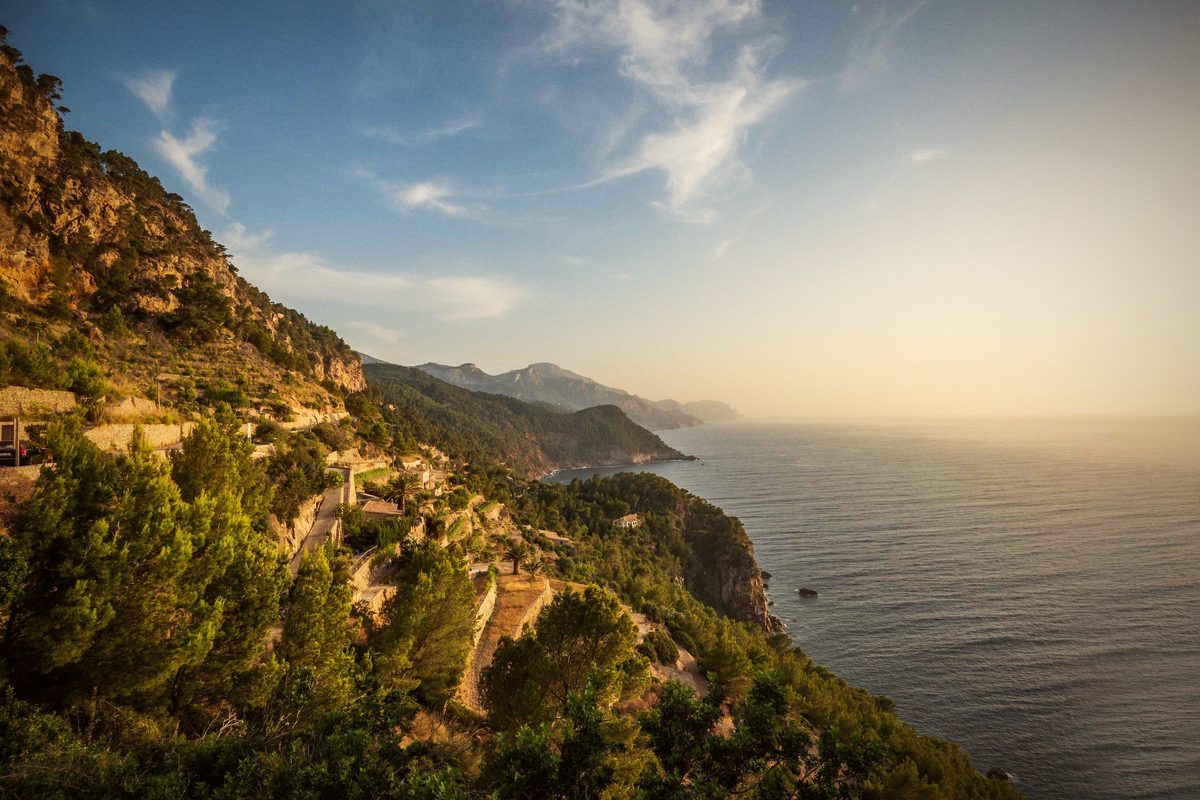
Tap a film to see what it does to the same photo.
Black & white
Color
AS SHOT
Drag across the photo to compare.
Inside the app
Rolls, people, and nothing else.
Look back through a roll like a contact sheet, open a friend's profile, and see what the people you follow have shot.
Roll 039/36 frames · Oct 12, 2026 · Develops Tue 9:00 AM
Roll 03Roll 02Roll 01
Cover01020304050607DevelopingTap to develop08DevelopingTap to develop09
Share rollShoot this roll•••
THE ROLLEvery frame, in order, like a contact sheet. Tap one that's still developing to see it early.
Profile
M
Mara Lind@mara.lind
4Rolls114Frames23Followers31Following
FollowShare profile•••
Coast weekend36 frames · GOLDEN 100Rome36 frames · CLASSIC 400Summer nights24 frames · DUSK 800Old town18 frames · PAN 50
A PROFILESomeone's rolls, the public ones and those for their followers. Follow, and they approve.
People
FollowingShared with youRequests
Blue hourJJonas EriksenMarket dayAAna LimaLow tideMMara LindSunday walkSSam Okafor
PEOPLERolls from the people you follow, and the ones shared with just you. No comments, no ads.
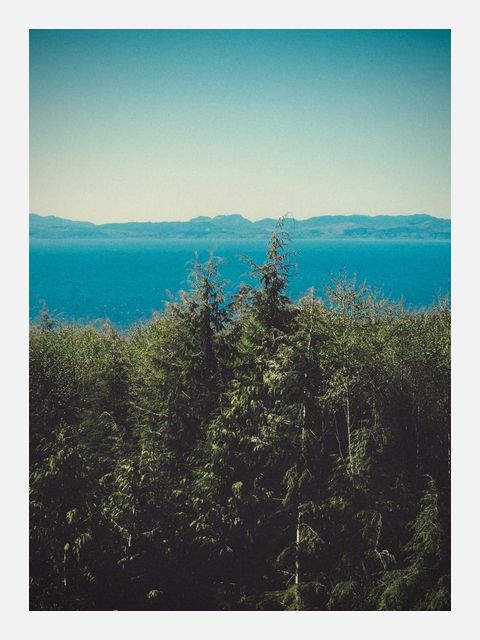
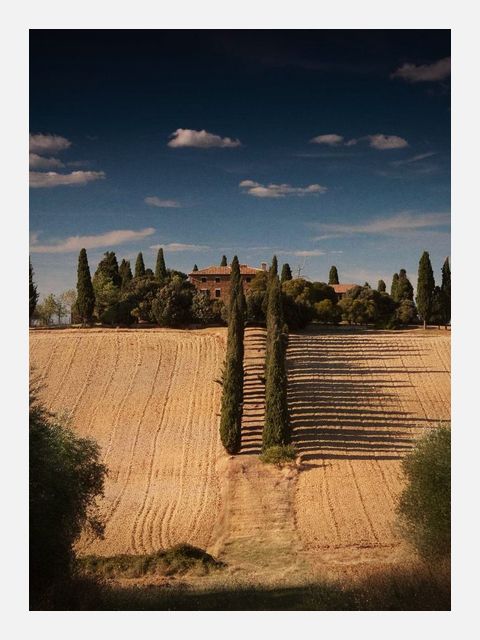
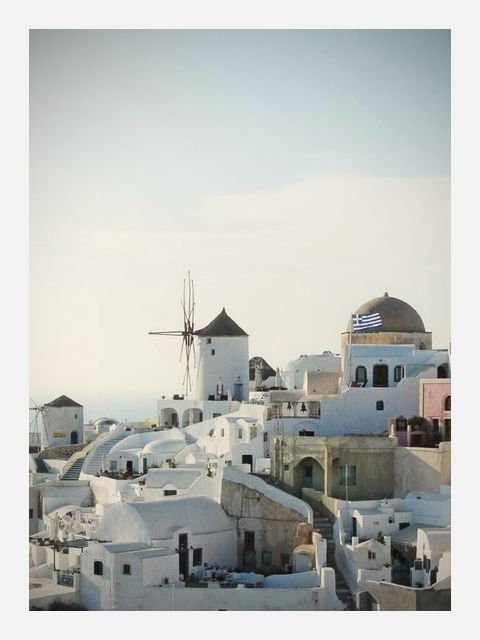
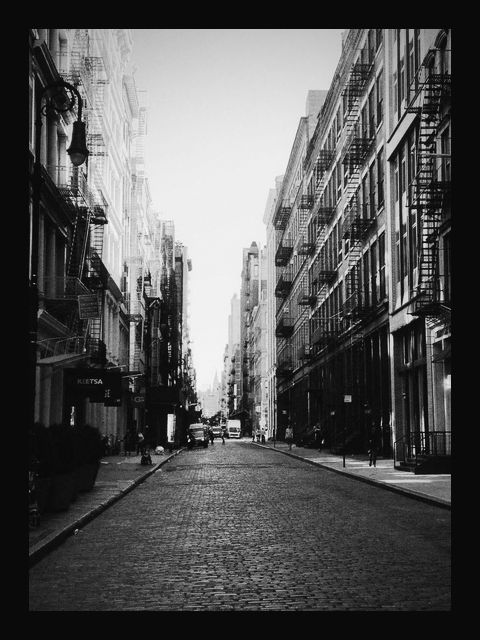
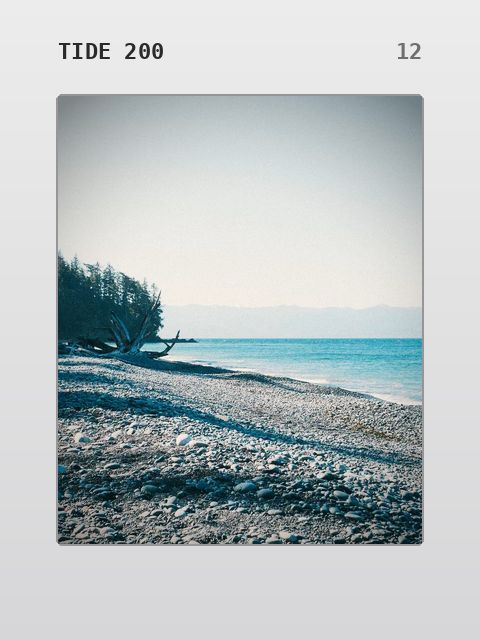
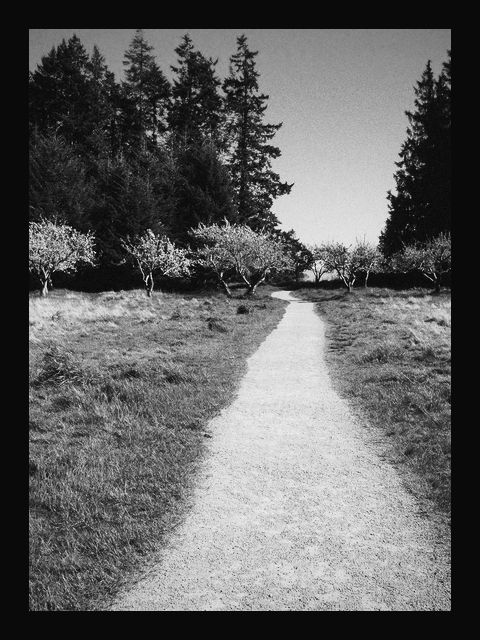
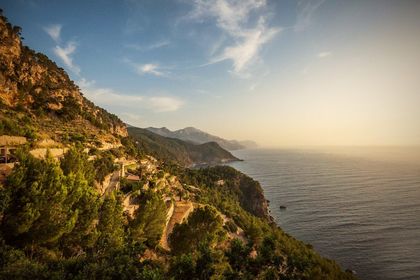
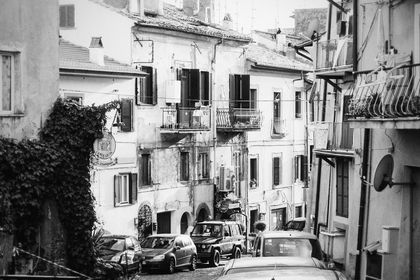
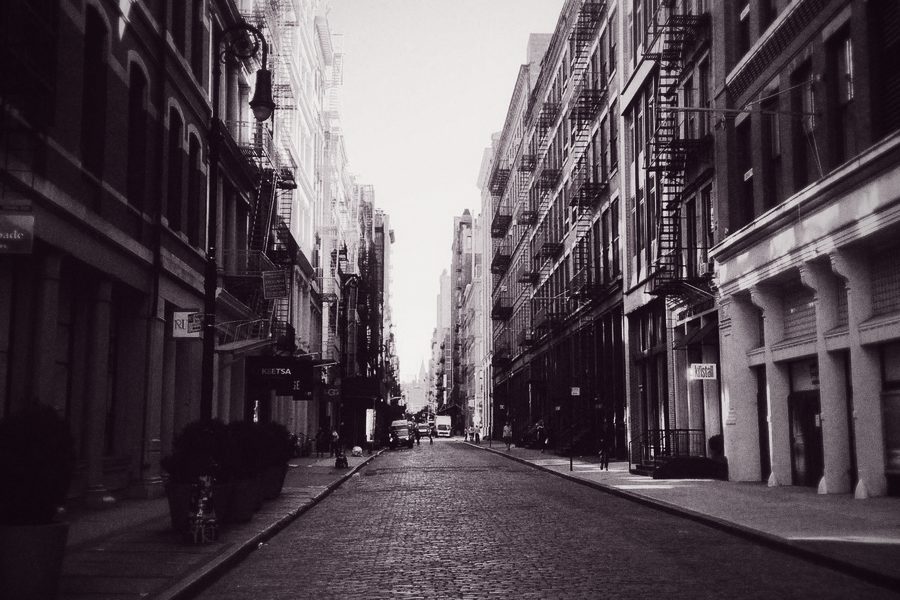
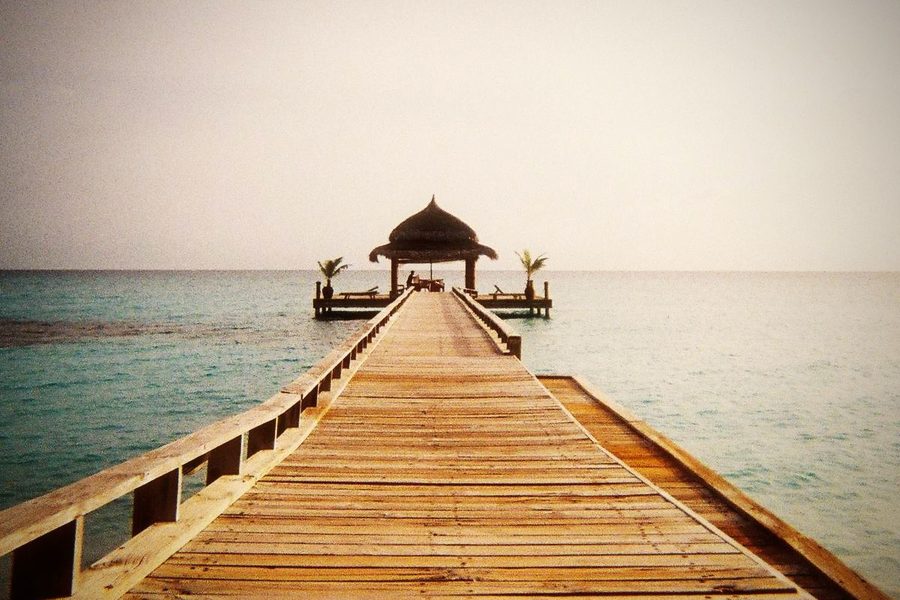
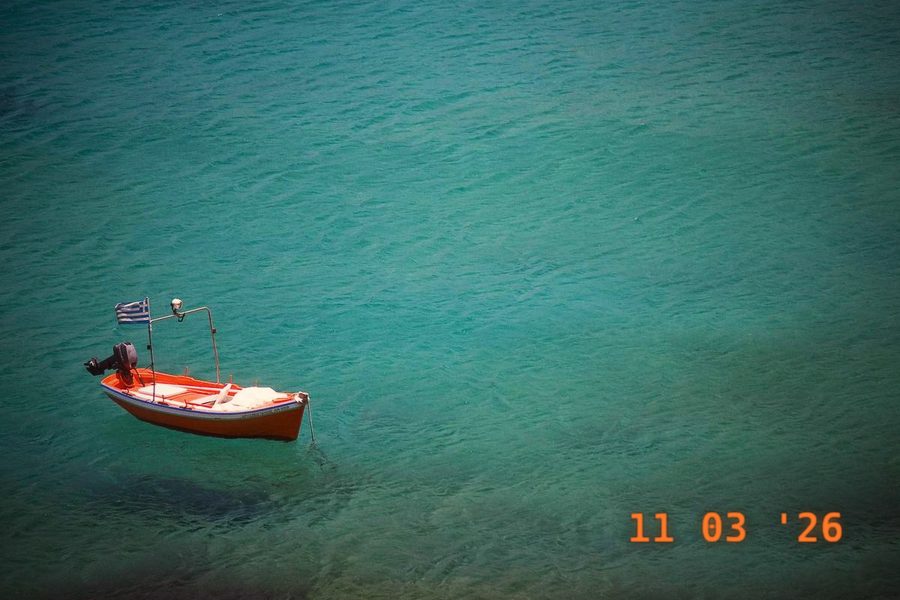
Illustrations of the app's screens; names are examples. Photos from Unsplash by Paul Jarvis, May Pamintuan, Anton Sulsky, Dillon McIntosh, Margaret Barley, Nicholas Swanson, Paul Evans, Vadim Sherbakov and Matthew Skinner, through the app's films.
Thirty-six frames make you choose. A day's wait makes you forget, so the roll comes back as a surprise.
A phone camera never runs out, so most photos get taken, glanced at and lost in the library. A roll of film is different: you think before you press, and you find out later what you got.
Film Exposures keeps that limit and that wait. A roll is a little project with a name, a film and a cover photo: a weekend, a city, one dinner party. Once it's developed, print it as a contact sheet or share it.
Formats & resolution
Six formats, 140 years of photography.
Crop as you shoot, like changing cameras. Each format comes from a moment in photography's history, and the bigger the film was, the more of your iPhone's detail it keeps. Shoot in landscape or portrait.
4×55:4
The sheet of film
One 4 × 5 inch sheet per picture, loaded into a holder behind a bellows camera. Newspaper photographers carried 4×5 press cameras like the Speed Graphic for decades, and landscape photographers still use it for its detail.
UP TO 50 MP
35MM3:2
Cinema film, turned sideways
Oskar Barnack built a small camera around 35mm movie film; Leitz sold it in 1925 as the Leica. Thirty-six 24 × 36 mm frames to a roll made it the camera of street photography and photojournalism, and of most family albums.
UP TO 24 MP
6×61:1
The square
Twelve square frames on 120 roll film. The Rolleiflex twin-lens reflex (1929) and later the Hasselblad made it the format of studio portraits and fashion, and Hasselblads went to the Moon. Square photos came back on phones in 2010.
UP TO 36 MP
6×4.54:3
More frames from medium format
Fifteen or sixteen frames from a roll of 120 instead of twelve, in a lighter camera. Cameras like the Mamiya 645 (1975) and Pentax 645 (1984) made it a favourite of wedding photographers, who needed to shoot more before reloading.
UP TO 36 MP
16:916:9
The screen
Not a film at all: television engineers picked 16:9 in the 1980s as the middle ground between old 4:3 TVs and wide cinema. It became the shape of HDTV, then of phones turned sideways.
UP TO 24 MP
XPAN65:24
A panorama on ordinary film
Panoramic cameras date back more than a century, but the Hasselblad XPAN and Fujifilm TX-1 (1998) put a 24 × 65 mm frame, nearly twice as wide as a normal one, on standard 35mm film, switchable mid-roll.
UP TO 24 MP
35mm36 × 24 mm
6×4.556 × 42 mm
6×656 × 56 mm
XPAN65 × 24 mm
4×5120 × 95 mm
The film each format was shot on, to scale.
The most each format keeps. What you get depends on your iPhone's camera: on a 48 MP camera a 4×5 frame comes out around 46 MP, and an older 12 MP camera gives less. Photos are saved in Display P3 colour.
Borders
Finish every frame.
Print it edge to edge, give it a white or black border of the width you like, or mount it as a slide with the film's name and the frame number on the card.
NONE
WHITE
BLACK
CLASSIC 40012
SLIDE
Make it yours
Edit a film, or make your own.
FILMISO 400
B&WCOLOR
CLASSIC 400The everyday street film
PAN 50Fine grain, smooth tones
NOIR 400Low key: deep shadows
ADJUSTCLASSIC 400 · EDITED
CONTRASTKEYFADEWHITESTONEGLOW
020406080100
CONTRAST 55SAVE AS MY FILM
The film
Change any film: exposure, contrast, black and white points, grain and its size, vignette, bloom, fog and soft edges. Tone black & white prints, or grade colour with RGB curves, saturation and split toning.
SEPIASELENIUMSPLITGOLDPLATINUMCYANOTINTYPE
LENS50mm CROP
21mm24mm28mm35mm50mm85mm135mm
FXTILT-SHIFT · 60
OFFFISHEYESWIRLTILT-SHIFTZOOMDRAG
Lenses & effects
Classic lenses from 21 to 135mm, wherever your iPhone's cameras can crop to them cleanly. Lens and print effects for when a roll calls for something strange.
A date back that burns the date, or date and time, into the corner. Seven shutter finishes, and the app icon changes to match. Send a film to a friend as a link, and they load your exact look.
COPPERSILVERBLACKREDCOBALTOLIVEBRASS
Sharing
Your rolls, your call.
Every roll starts private. Choose who sees each one, from a few friends to everyone, and change your mind whenever you like. Photos shared with followers or specific people only load for them.
PRIVATE
Just you
Rolls live on your phone and in Photos. Nothing is uploaded unless you share it.
SPECIFIC PEOPLE
Only who you pick
Choose people by their @username. The roll shows up in their Shared with you, and nobody else can open it, not even with the link.
FOLLOWERS
People you approved
Every follow is a request you approve. Rolls for followers appear in their feed, and you can remove a follower any time.
PUBLIC
Everyone
On your public profile, for anyone to see and like, and to see who liked it.
LINK
Anyone with the link
Send a roll as a link, even one you're still shooting: new frames appear as they develop. The link lasts 30 days, and you can unshare it any time.
FIND PEOPLE
Follow photographers
Search by @username or name and ask to follow. Block someone and they can't find you, follow you or see your rolls. Prefer not to be found? Turn search off.
Your photos stay on your phone. Nothing is uploaded unless you share a roll or put one on your profile.
 FILM EXPOSURES

 Cover